Per-entry access control
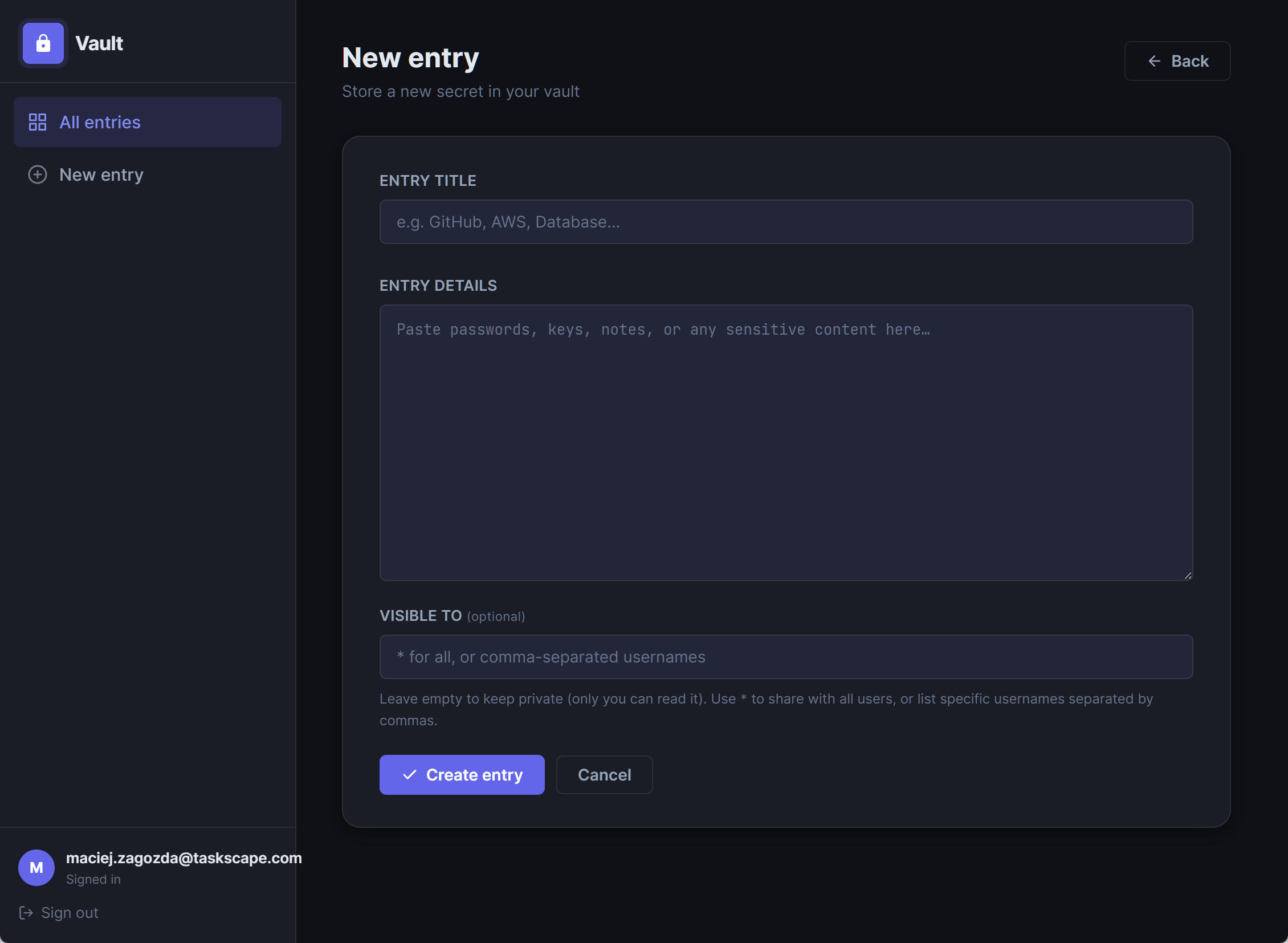
Every secret decides its own audience. Keep an entry private, share it with the whole team using *, or list exactly who may read it. Titles stay visible to everyone; contents stay locked to those you choose.
SecureVault is a lightweight secrets manager built for small teams. Share passwords, tokens and API keys with per-entry access control, built-in access requests, full version history and a complete audit trail — all without standing up a single database server.
Built on ASP.NET Core (.NET 10) · Data in plain JSON files you can read, back up and version · Sessions expire after 30 minutes of inactivity · Data files are never served over HTTP
Most password managers are built for millions of consumers or thousand-seat enterprises. SecureVault is built for the team down the hall — and it shows in every feature.
Every secret decides its own audience. Keep an entry private, share it with the whole team using *, or list exactly who may read it. Titles stay visible to everyone; contents stay locked to those you choose.
See a locked entry you need? Click Request access. The owner gets a red badge notification, reviews the request in their inbox, and approves or declines with one click. No Slack messages, no tickets, no waiting.
Unique: approval workflow out of the boxEvery create and edit records a complete snapshot — who changed it, when, and exactly what it said. Browse prior versions on the details page, newest first, with title changes highlighted. History can never be altered from the UI.
Unique: immutable, per-entry historyLogins, entry creation, edits and every authorized read are appended to a tamper-evident log with UTC timestamps. Know exactly who opened which secret, and when.
All state lives in four human-readable JSON files. Back it up with copy, diff it with git, inspect it with any text editor. No SQL server to license, patch or babysit.
HttpOnly session cookies, automatic 30-minute session expiry, access checks on every controller action, and middleware that blocks any direct URL access to the data files.
Entry creators own their secrets and manage requests for them. Administrators can read and edit everything — perfect for break-glass access when someone is on holiday.
Client-side search filters your entry list as you type. Find the credential you need in seconds, even in a vault with hundreds of entries.
Automatic, idempotent data migrations run at startup — new versions upgrade your vault in place. No migration scripts, no downtime windows, no manual JSON surgery.
SecureVault's signature feature: a complete request-and-approve loop that other password managers make you improvise over chat.
They can see the title — so they know the secret exists — but the contents show an Access restricted panel naming the owner, with a single Request access button.
A red badge appears on the owner's avatar with the count of pending requests, plus a highlighted link straight to their requests inbox. Duplicate requests are automatically deduplicated.
Approving instantly adds the requester to the entry's access list. Declining removes the request without changing anything — and the requester can always ask again later.
The grant shows up in the entry's version history, and every subsequent read lands in the audit log. Access reviews stop being archaeology.
Cloud password managers are great products — for a different problem. If you want team secrets on your infrastructure with real access governance, the comparison gets interesting.
| Capability | SecureVault | 1Password Teams | LastPass Teams | Bitwarden (self-hosted) | Shared spreadsheet 😱 |
|---|---|---|---|---|---|
| Fully self-hosted — data never leaves your server | ✓ | ✗ Cloud only | ✗ Cloud only | ✓ | ~ Depends |
| Runs with no database server | ✓ Plain JSON files | ✗ | ✗ | ✗ Requires SQL/Docker stack | ✓ |
| Per-secret access list (not vault- or folder-level) | ✓ Every entry has its own ACL | ~ Vault-level sharing | ~ Folder-level sharing | ~ Collection-level | ✗ All or nothing |
| Built-in request → approve access workflow | ✓ With owner notifications | ✗ Ask an admin | ✗ Ask an admin | ✗ Ask an admin | ✗ Ask everyone |
| Immutable version history on every secret | ✓ Full snapshot per change | ✓ | ~ Limited | ~ Password history only | ✗ |
| Audit log of who opened which secret | ✓ Every authorized read logged | ~ Business tier | ~ Admin reporting | ~ Higher tiers | ✗ |
| Data readable & backed up with standard tools | ✓ JSON — diff it, git it, grep it | ✗ Proprietary | ✗ Proprietary | ~ DB dumps | ✓ |
| Per-user monthly fee | ✓ None — it's yours | ✗ ~$4/user/mo | ✗ ~$4/user/mo | ~ Free tier, paid features | ✓ |
| Setup time to first shared secret | ✓ Minutes — dotnet run |
~ Account & client rollout | ~ Account & client rollout | ✗ Docker, DB, certs, config | ✓ But at what cost |
Comparison reflects typical team-tier capabilities of each product as generally known; competitor features and pricing change over time — verify against current vendor documentation.
Every login, every new entry, every edit and every authorized read is appended to the audit log with a UTC timestamp. When a credential leaks or an auditor calls, you have the answer — not a shrug.
[
  {
    "TimestampUtc": "2026-07-04T09:55:00Z",
    "User": "admin",
    "Action": "LoginSuccess"
  },
  {
    "TimestampUtc": "2026-07-04T10:01:00Z",
    "User": "alice",
    "Action": "OpenEntry",
    "EntryTitle": "Production DB"
  }
]Clone the repository, run one command, and sign in. SecureVault creates its own data files, seeds a first account and migrates itself on every upgrade.
$ git clone https://your-server/securevault.git
$ cd securevault
$ dotnet run
✓ SecureVault listening — sign in and change the default passwordRequires the .NET 10 runtime. Remember to change the seeded credentials before exposing the app to any network.