
Front-end encryption · protected archives
Your notes, encrypted before upload.
SecureNotes creates and encrypts each note archive in the browser, so the server receives protected files instead of readable content.
- Client-side encryption
- No server plaintext
- Attachments included
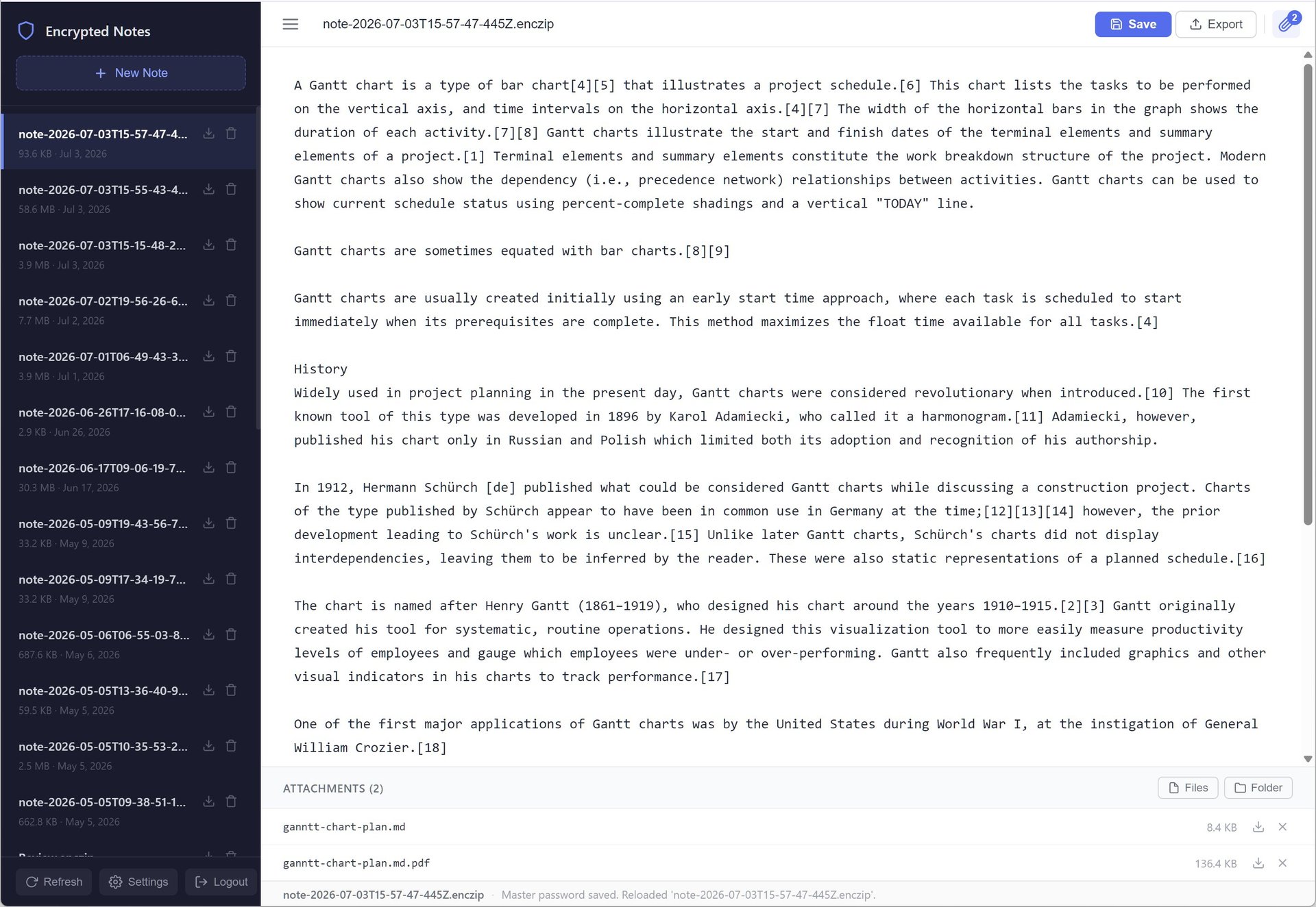
The product
Protection happens before the network.
SecureNotes moves the important privacy boundary into the browser. The archive is built locally, encrypted locally, and only then uploaded.
Notes and attachments travel together inside the protected archive. When opened, the archive is decrypted in the browser, preserving a focused workflow without sending the note body or master password to the backend.
Auto-save protects work during navigation, while the server stores opaque encrypted files rather than readable notes.
Core capabilities
Encrypted notes with complete context.
Every part of the flow is designed around keeping plaintext in the browser and protected archives on the server.
Encrypt before upload
The browser creates the archive and encrypts it before any data is sent to the server.
No server plaintext
The backend stores encrypted files instead of readable note content or passwords.
Complete archives
Notes and attachments stay together in one encrypted archive for complete context.
Master-password flow
Key derivation and decryption happen locally with the user’s master password.
Auto-save
Switching notes or opening settings saves current work first to reduce accidental loss.
Focused interface
A responsive browser workspace keeps writing, attachments, and protected archives in reach.
Product experience
Write locally. Protect automatically.
SecureNotes makes encryption a natural part of capturing and reopening the context your work needs.
Try SecureNotes
Keep the work readable to you—and protected from everyone else.
Open the SecureNotes product site to see the complete front-end encrypted workflow.